See the whole case on one screen
You need the big picture before the details.
Step by step
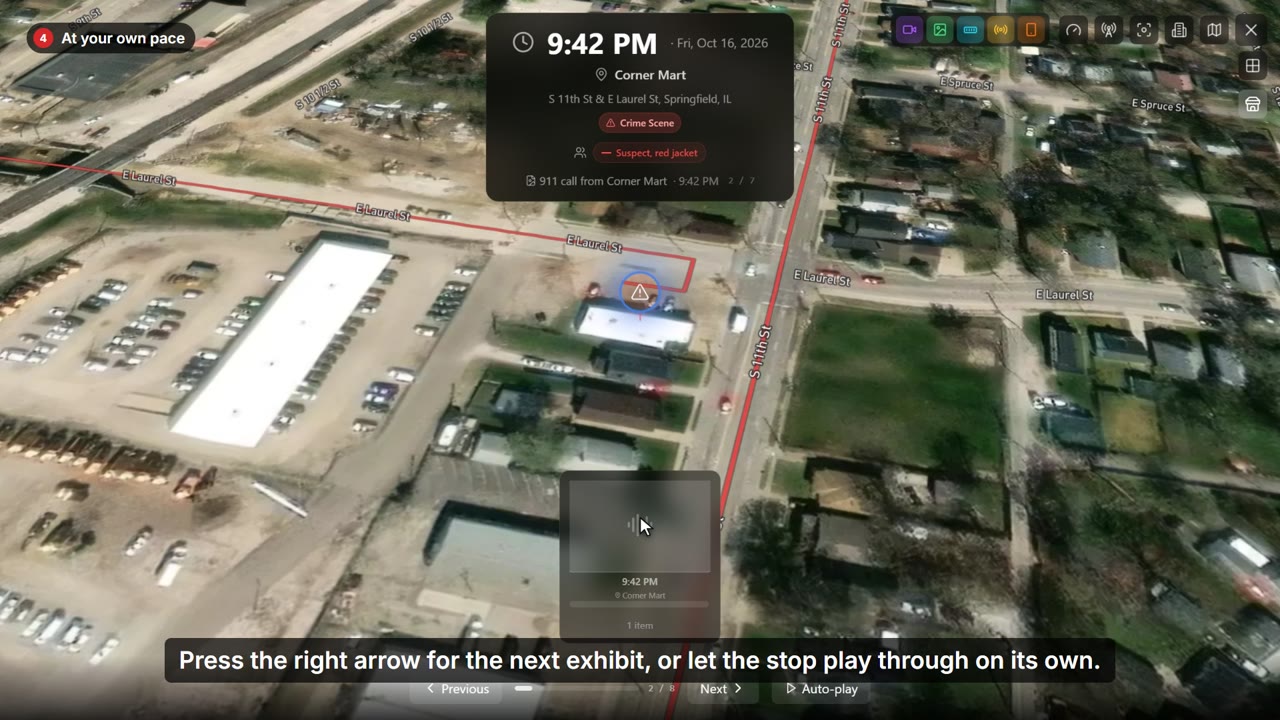
- Overview shows the whole case on one screen.
- Every stop, every camera, the suspect's route and the phone's records, with the case facts along the top.
- Narrow it to a stretch of time, or focus on one subject.
- Open any stop to look at its evidence right there, without leaving the overview.
- Press Escape to go back to the case.