Fix a DVR clock that ran fast
The time burned into the video is wrong, and the defense will notice.
Step by step
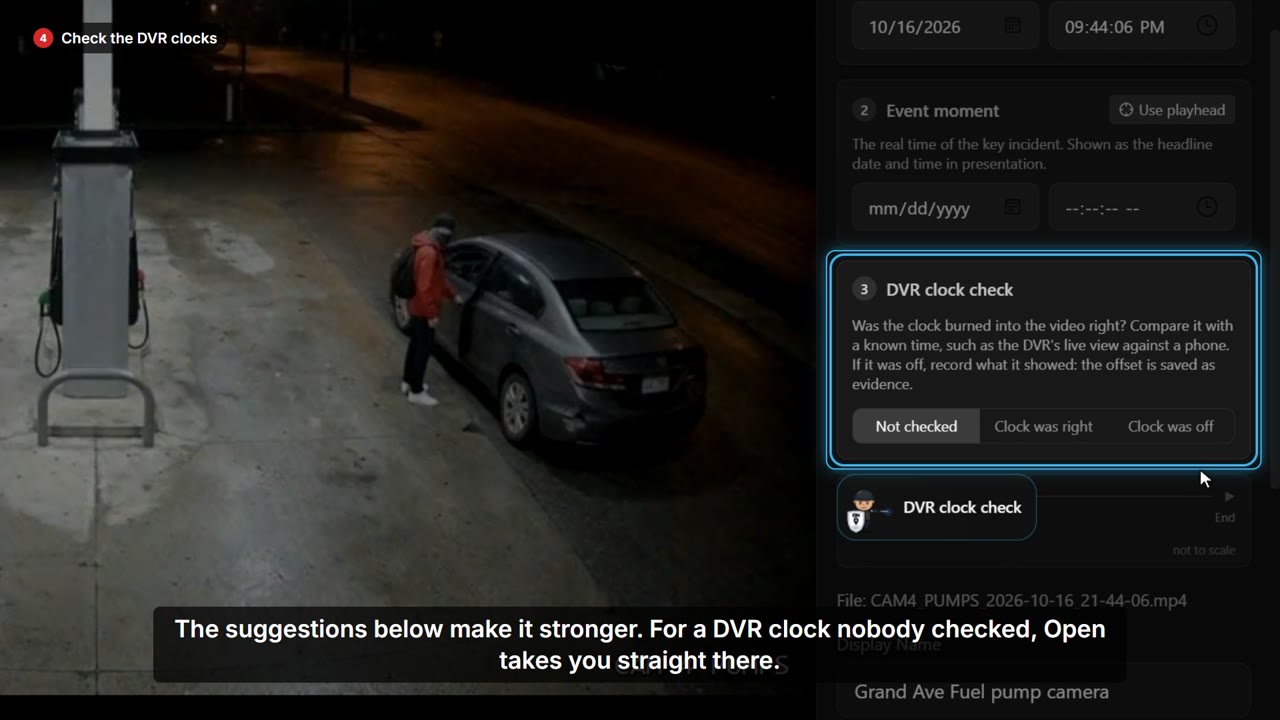
- This register camera's DVR clock ran three minutes fast. Open the video.
- Video start time is the real time at the first frame.
- Always enter the true time here, not what the DVR showed.
- In the DVR clock check, choose Clock was off.
- Enter the time the DVR showed at the first frame, and how you know.
- SAMM works out the offset: three minutes twelve seconds ahead.
- Save. The offset is kept as evidence, the check goes in the audit log, and the clock on the video shows the real time.