Present a case the way it happened
A jury needs to follow the case, not a folder of files.
Step by step
- When the case is ready, click Present.
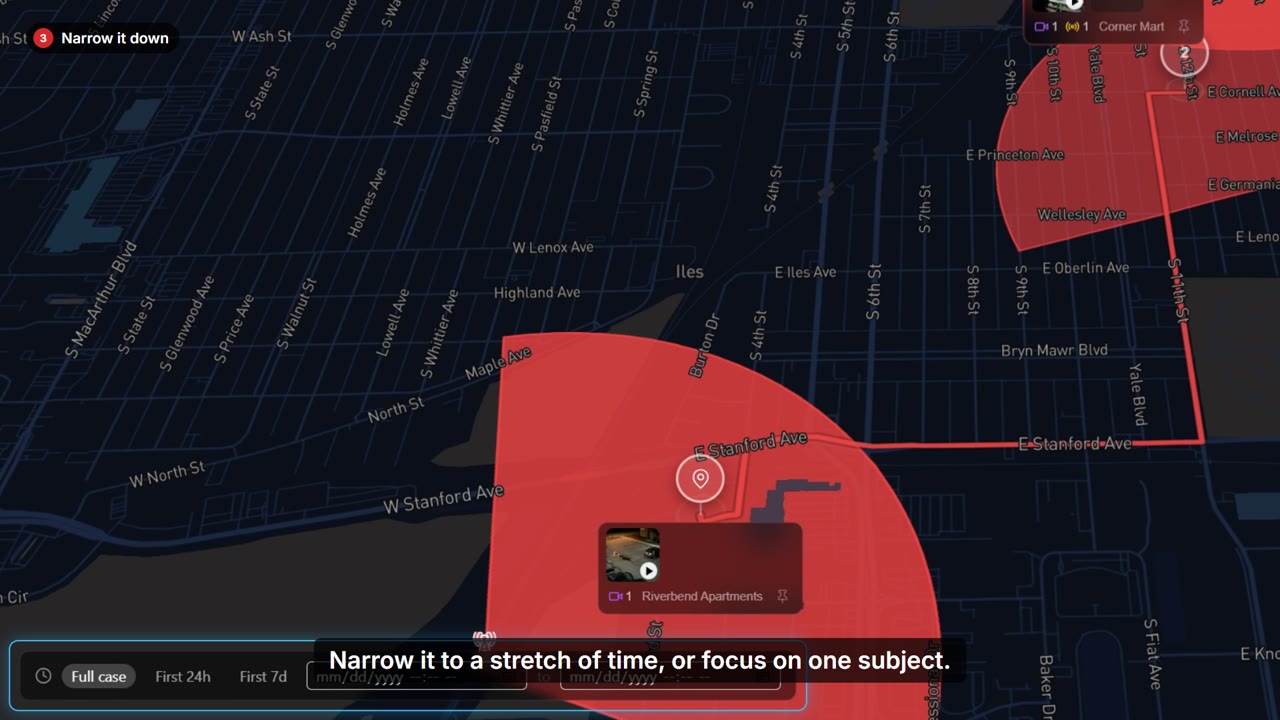
- It opens on the whole case: every stop, in the order it happened.
- Begin Tour flies to the first stop and plays its evidence, with the real time on screen.
- Press the right arrow for the next exhibit, or let the stop play through on its own.
- Press Escape to leave the presentation at any time.