Get a case ready to present
Before you present, you need to know nothing is missing.
Step by step
- Before you present a case, open Readiness at the top of the case.
- It lists what is left.
- Anything you must fix before presenting is at the top, with the fix right next to it.
- Verify all checks every file against the fingerprint SAMM took when it was imported.
- Now the case is ready to present.
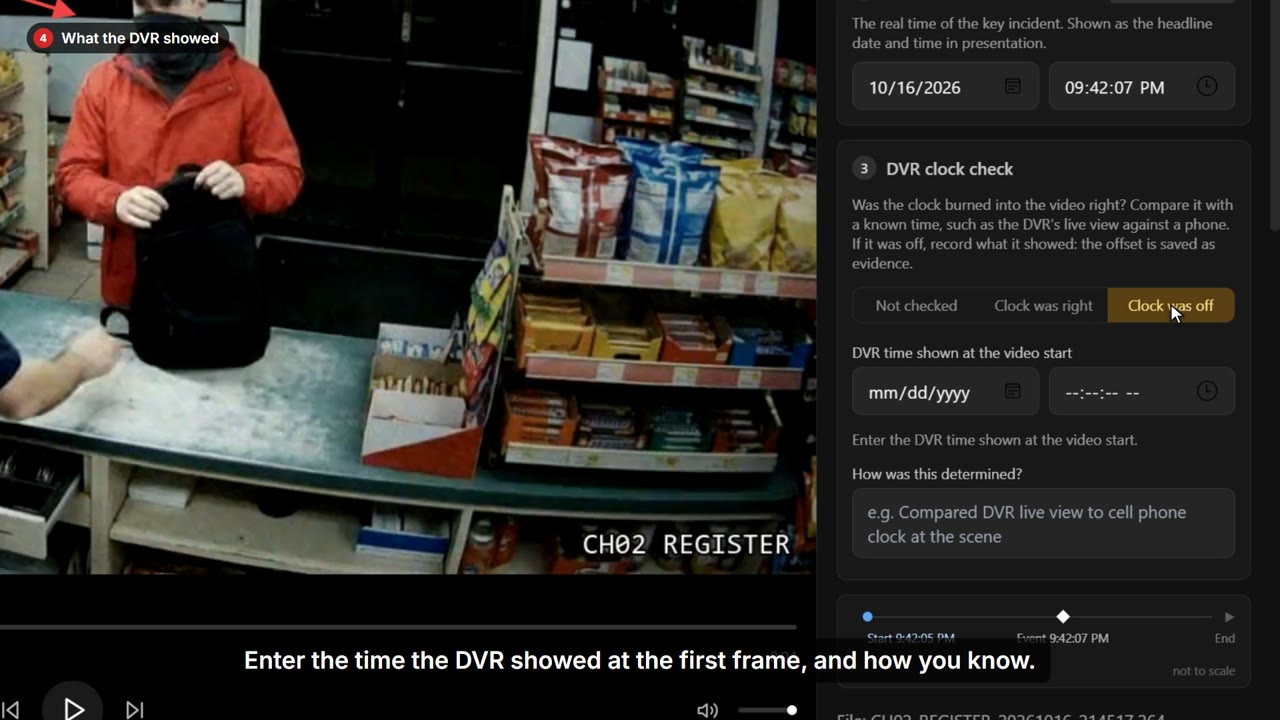
- The suggestions below make it stronger. For a DVR clock nobody checked, Open takes you straight there.
- Choose whether the clock was right, or off and by how much.
- Then save. SAMM records the check in the case's audit log.