
Import evidence
A DVR export, a 911 call and scene photos. Get them in without changing a thing.
Step by step
- Bring evidence into a case with Import.
- Pick the kind of evidence, or Batch import for a mix of files.
- Choose the files, or a whole folder. Subfolders and zip archives come in too.
- SAMM sorts them by type before anything is copied, so you see exactly what is coming in.
- Import. Each file is copied into the case and fingerprinted, so you can prove it never changed.
- Raw DVR video converts on its own, so it plays in SAMM, in court and in the free Player.
- The original stays untouched.
- Next, open each file to set its time and put it on the map.
Watch next
 1:41
1:41 See a whole case in SAMM
One robbery. Six recordings, a photo, a plate hit and a phone. One clear story.
 0:41
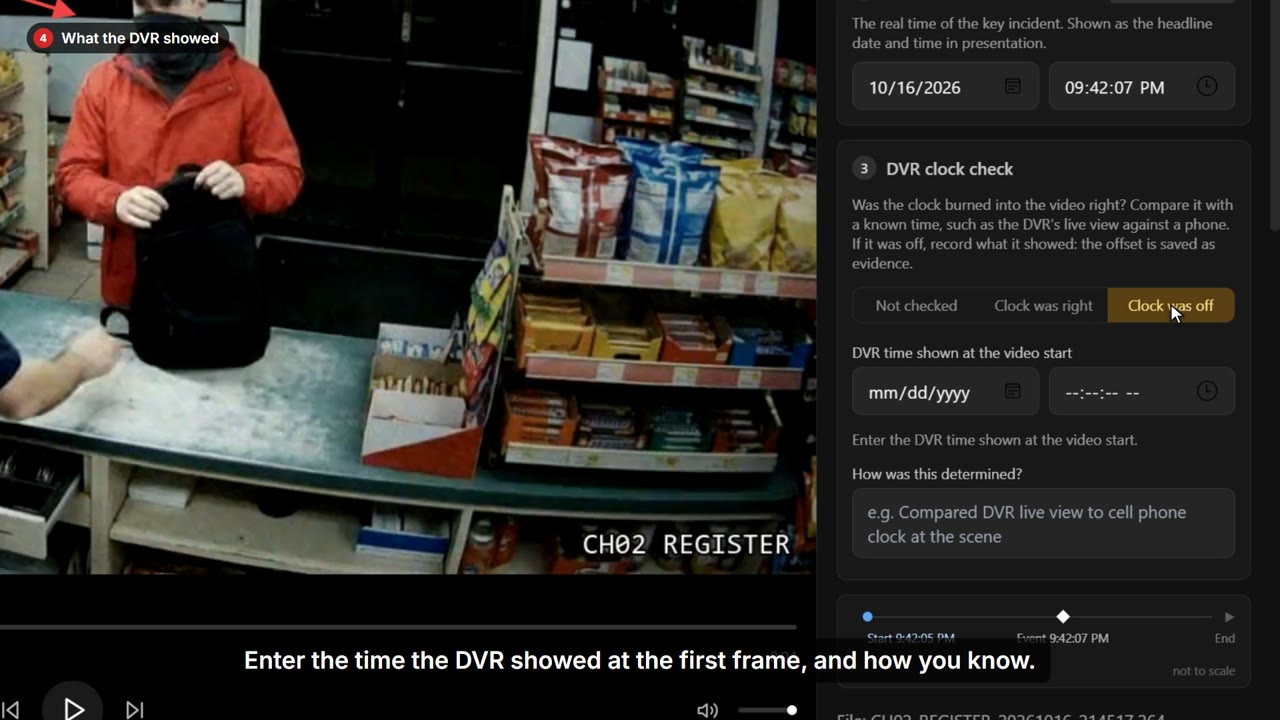
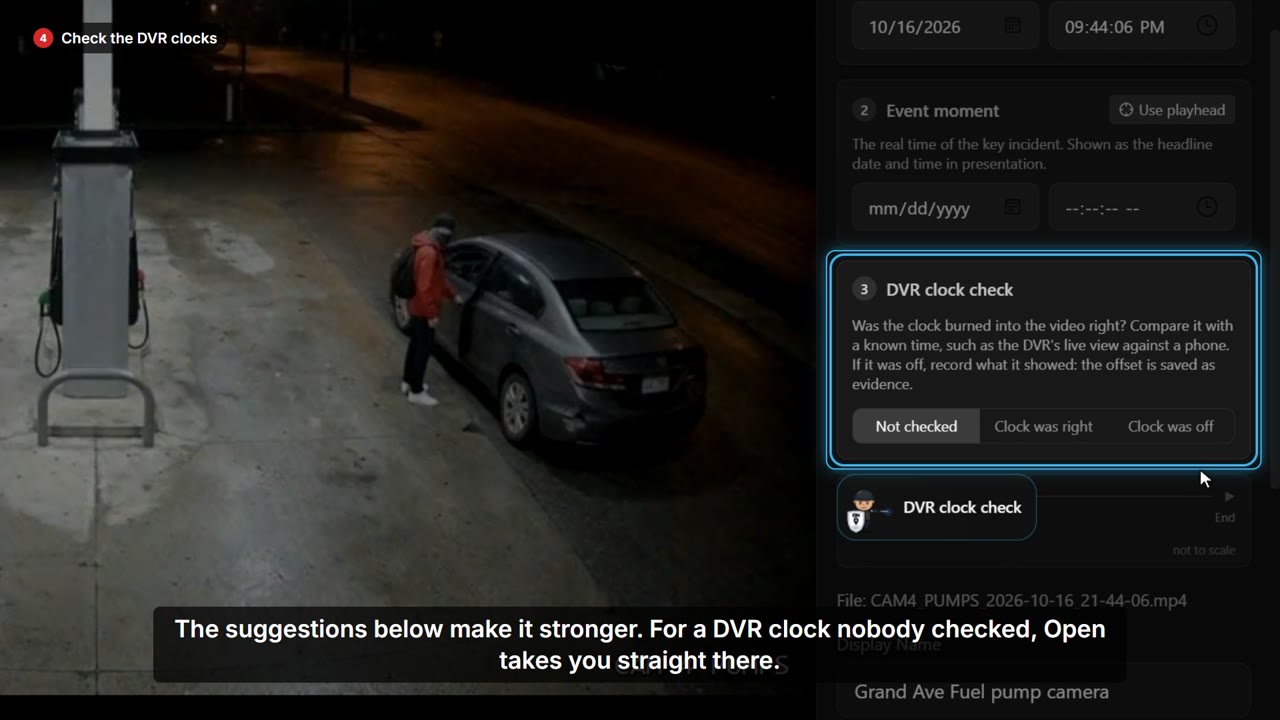
0:41 Fix a DVR clock that ran fast
The time burned into the video is wrong, and the defense will notice.
 0:44
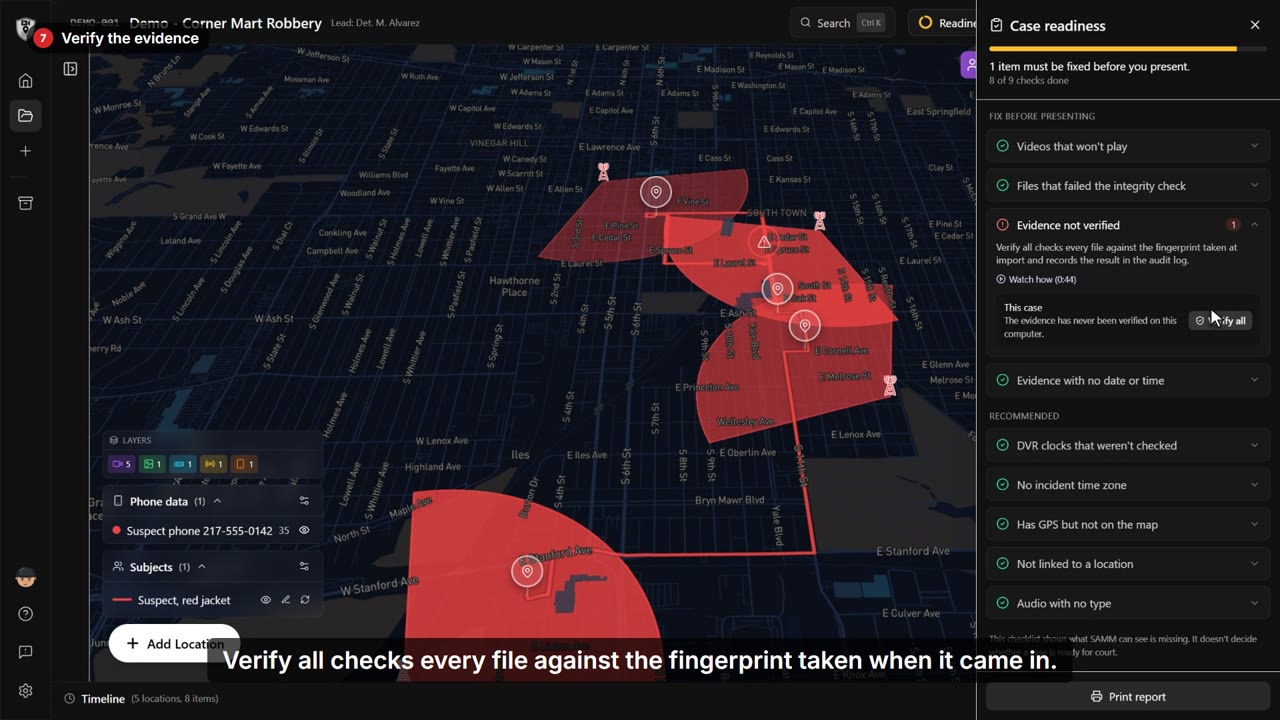
0:44 Get a case ready to present
Before you present, you need to know nothing is missing.