See a whole case in SAMM
One robbery. Six recordings, a photo, a plate hit and a phone. One clear story.
Step by step
- This is a robbery case in SAMM.
- Store cameras, a gas station, a doorbell, an apartment lot, a 911 call, a plate reader hit and the suspect's phone. All in one place.
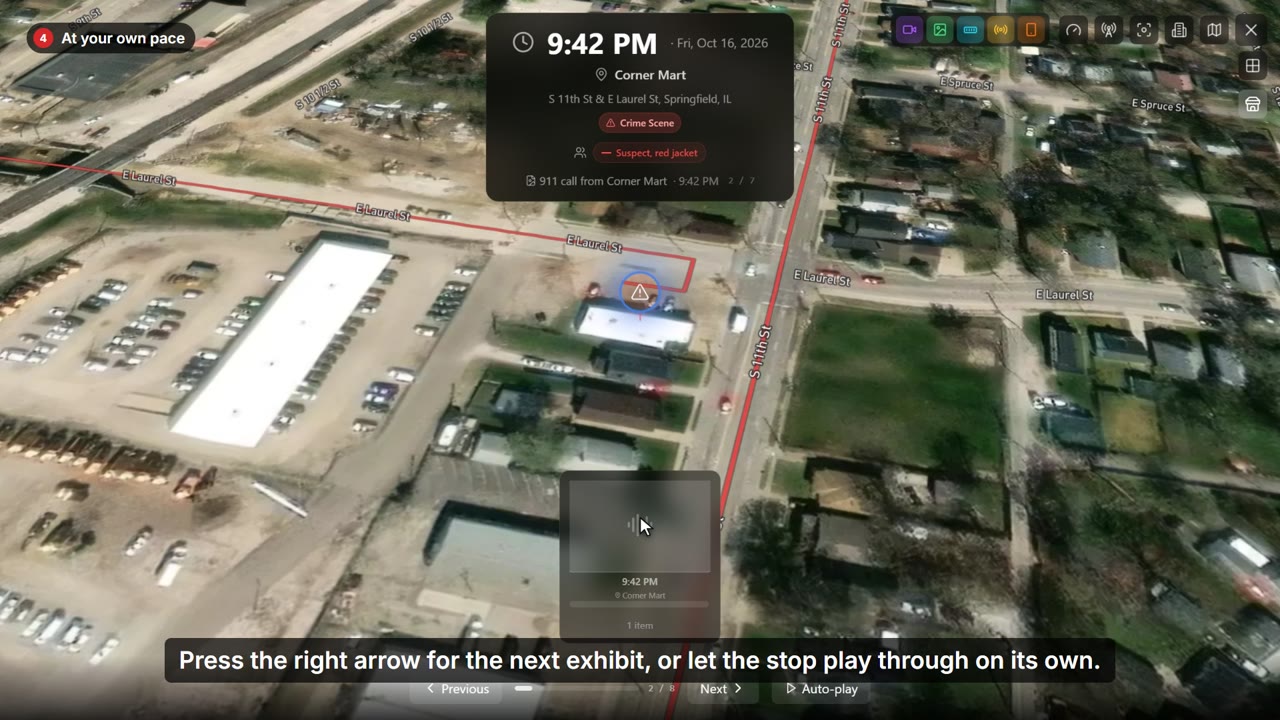
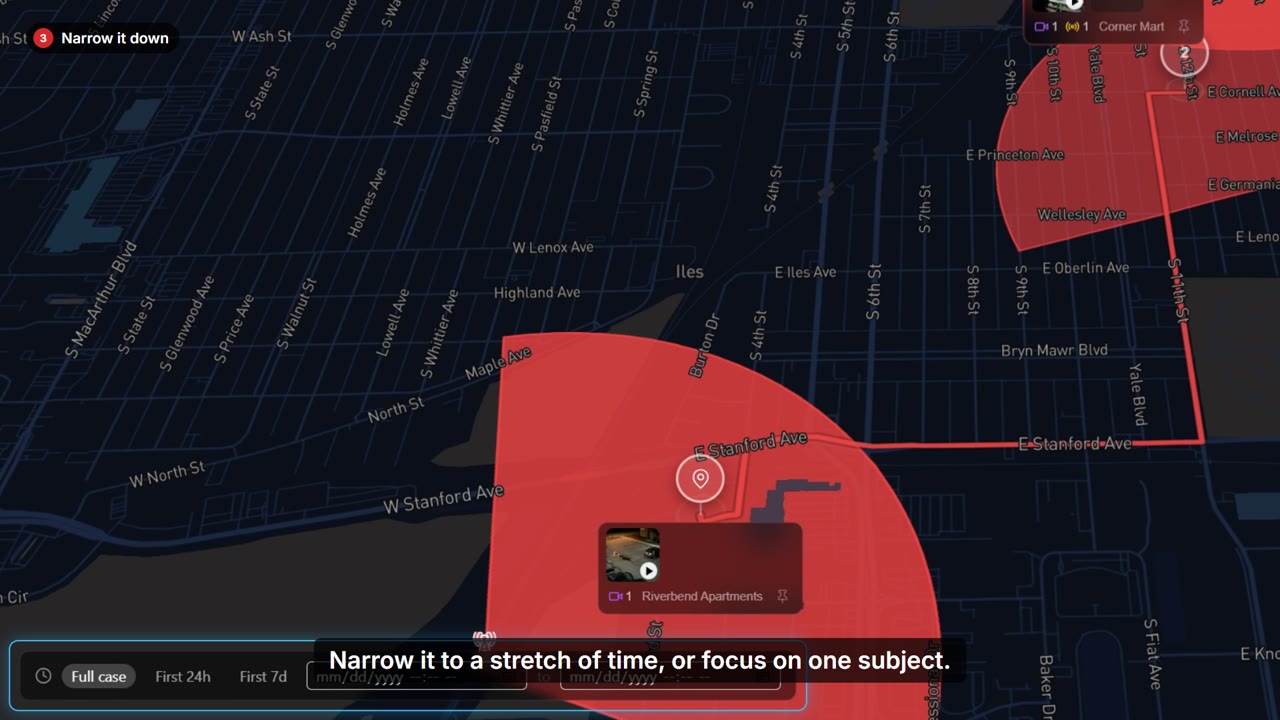
- Every recording sits on the map, where it happened.
- The suspect's route links the stops, in the order they happened.
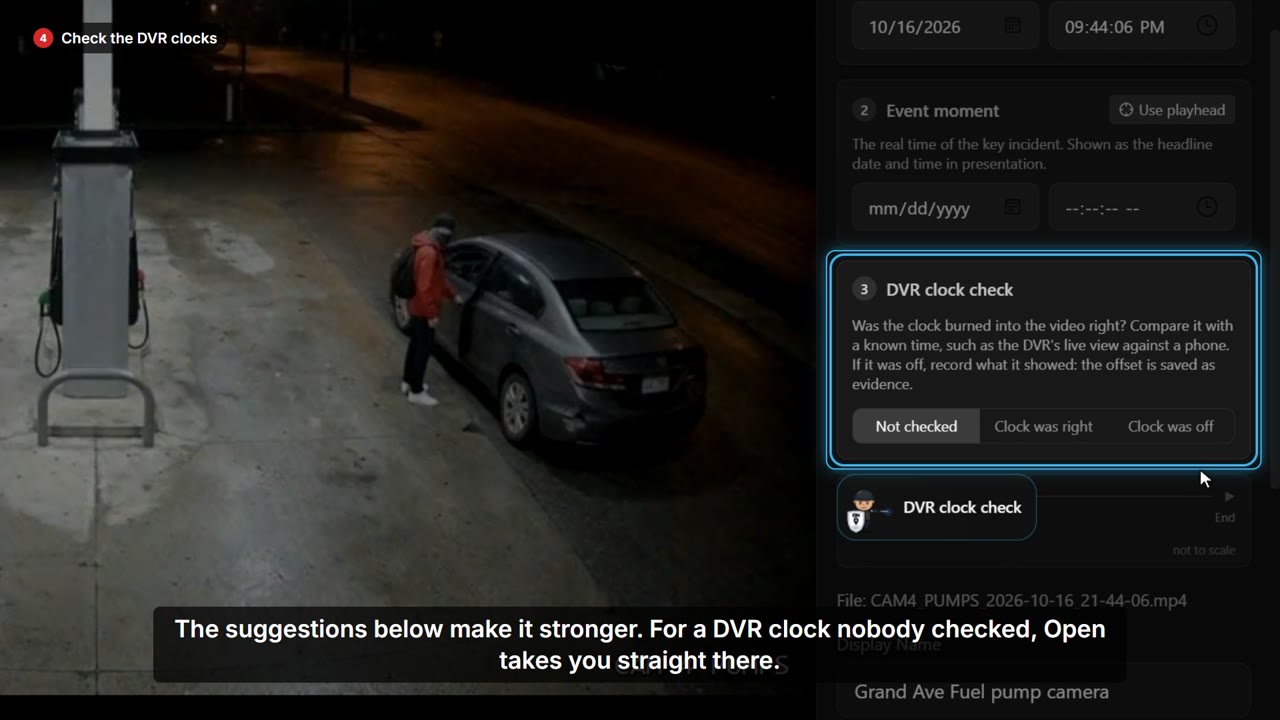
- Open any clip and SAMM puts the real time on it.
- This DVR ran three minutes fast. The offset is kept as evidence, and every clock shows the truth.
- Phone records go on the map too.
- Tracking mode plays the calls in order, tower by tower, so you can follow the phone through the night.
- Case Overview shows all of it at once, with the facts along the top.
- Open any stop to see its evidence right there.
- Before court, the readiness checklist shows anything left to do.
- Verify all checks every file against the fingerprint taken when it came in.
- Nothing has changed. The case is ready to present.
- Then present it the way it happened.
- SAMM flies from stop to stop and plays every exhibit in order.
- Both store cameras play side by side, on the corrected time.
- Hand it over as a report, a video, or the whole case in the free SAMM Player, so prosecutors and the defense can follow it without a license.
- And your case files never leave your computer.