
Map phone records
A spreadsheet of calls and towers means nothing to a jury. A map does.
Step by step
- Phone records go on the map from Phone data.
- Import the carrier's file. SAMM finds the time, number and tower columns for you.
- Set the time zone the carrier used. SAMM shows both times on every call.
- Name it, link it to the suspect, and import.
- Every call lands on the map, at its tower, pointing the way the phone was.
- Tracking mode plays the calls in order, so you can follow the phone through the night.
- Press Escape to go back to the case.
Watch next
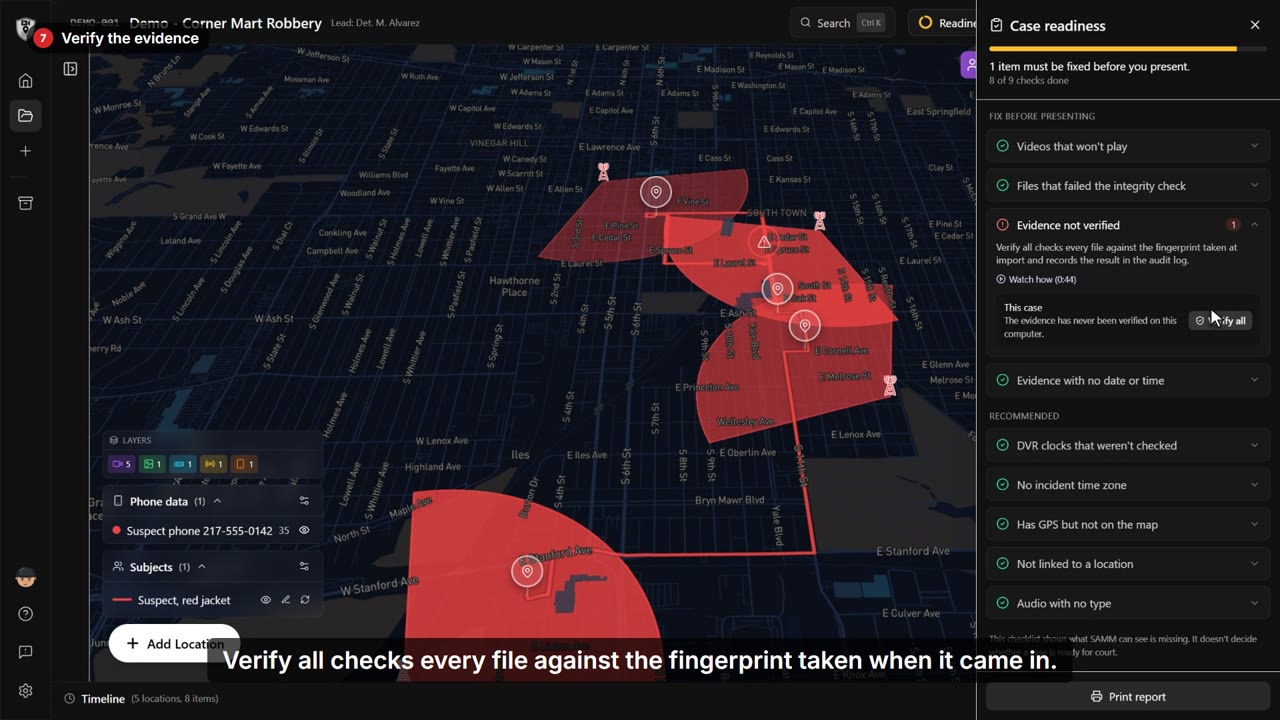 1:41
1:41 See a whole case in SAMM
One robbery. Six recordings, a photo, a plate hit and a phone. One clear story.
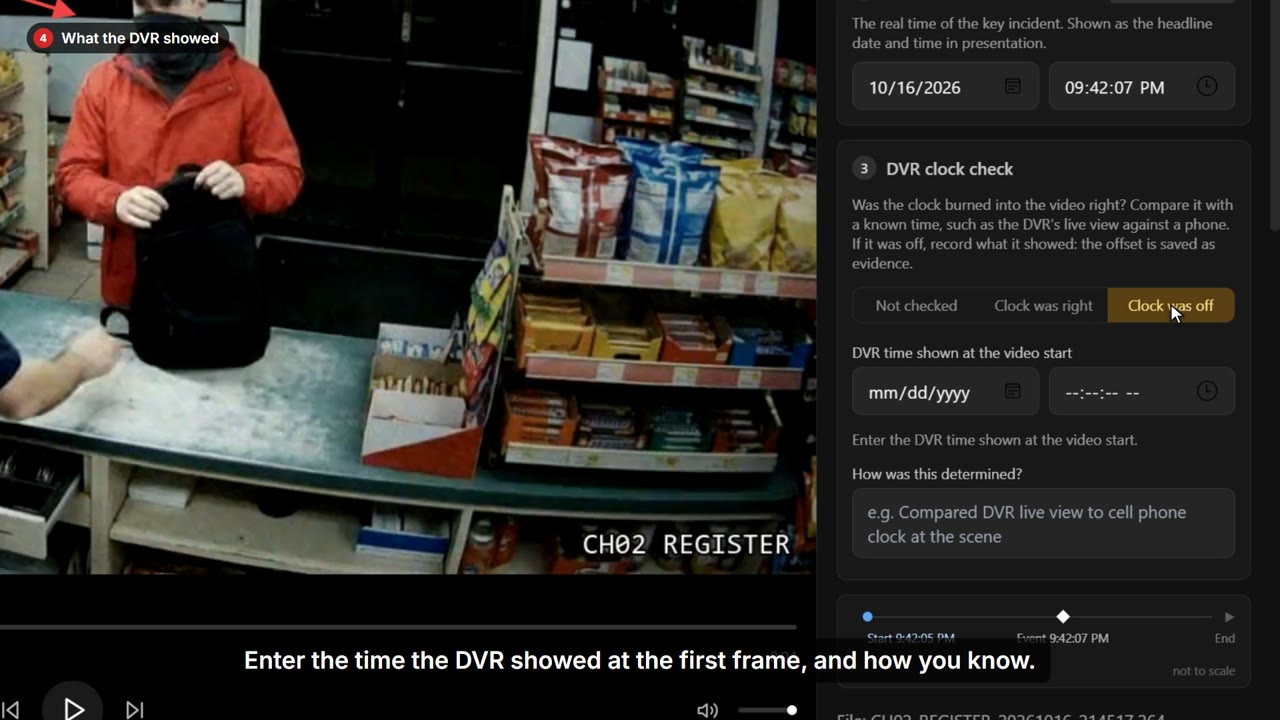 0:41
0:41 Fix a DVR clock that ran fast
The time burned into the video is wrong, and the defense will notice.
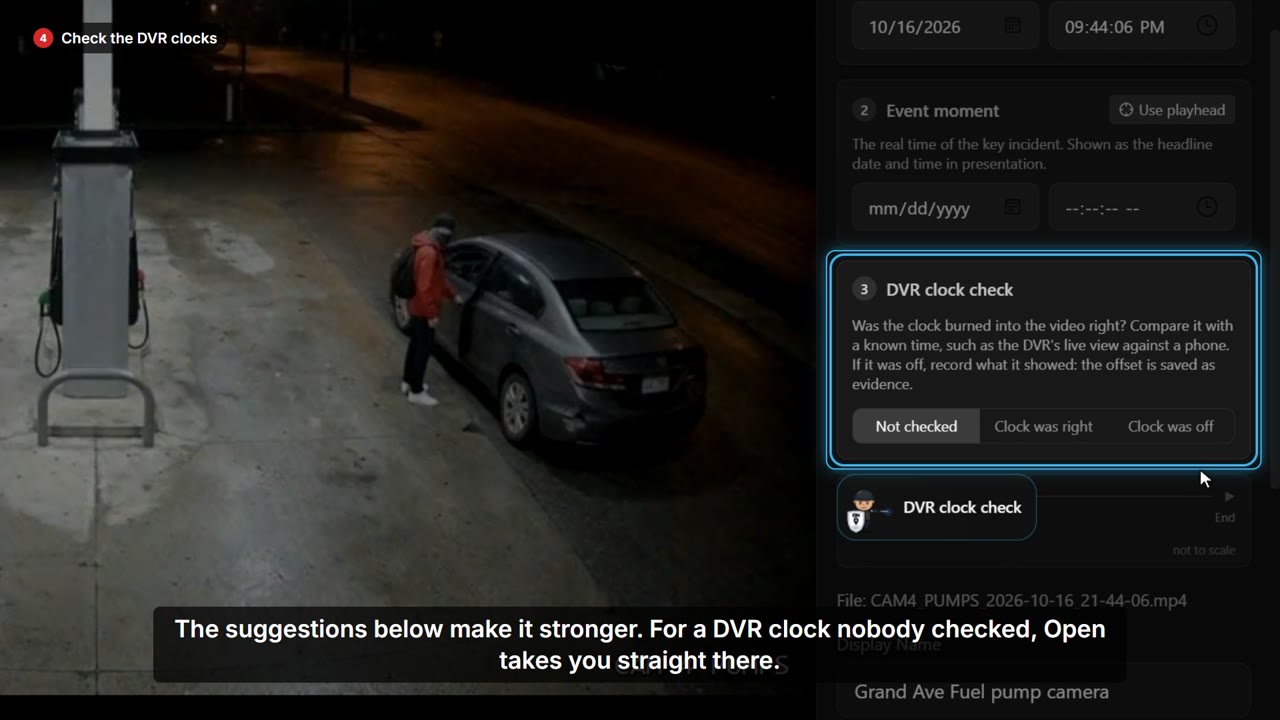 0:44
0:44 Get a case ready to present
Before you present, you need to know nothing is missing.